Tempo Dial
Four phases. Every rep.
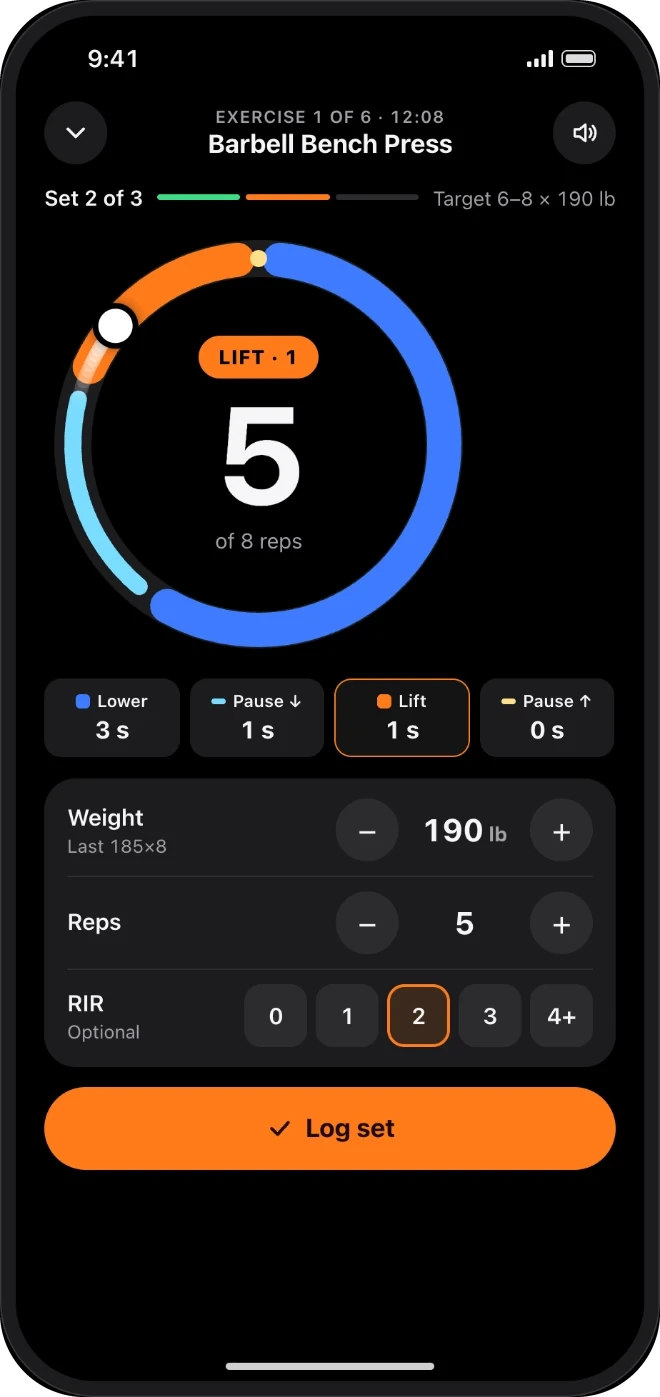
Lower, pause, lift, pause. Voice and Apple Watch haptics call each phase.
TESTING INFORMATION · DRAFT
Strength coaching built around a four-phase Tempo Dial, with voice and Apple Watch haptics on every rep.
Open in TestFlightRequires iPhone with iOS 27 (iPad needs iPadOS 27). Apple Watch with watchOS 27 is optional.
TestFlight shows whether a build is available for your device. Features and access depend on the installed build.
How to join
Do this on the iPhone you train with.
For installation help, contact [email protected]. TestFlight controls build availability and expiration.
What you'll test
Historical screen references below are draft artwork, not captures of the current build.
Tempo Dial
Lower, pause, lift, pause. Voice and Apple Watch haptics call each phase.
Apple Watch · optional
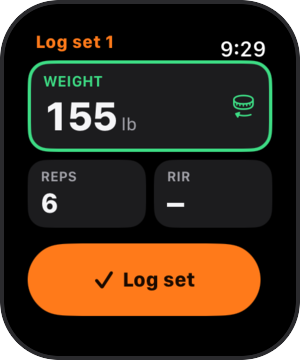
Use the Digital Crown to enter your set, then confirm before saving.
Camera coach
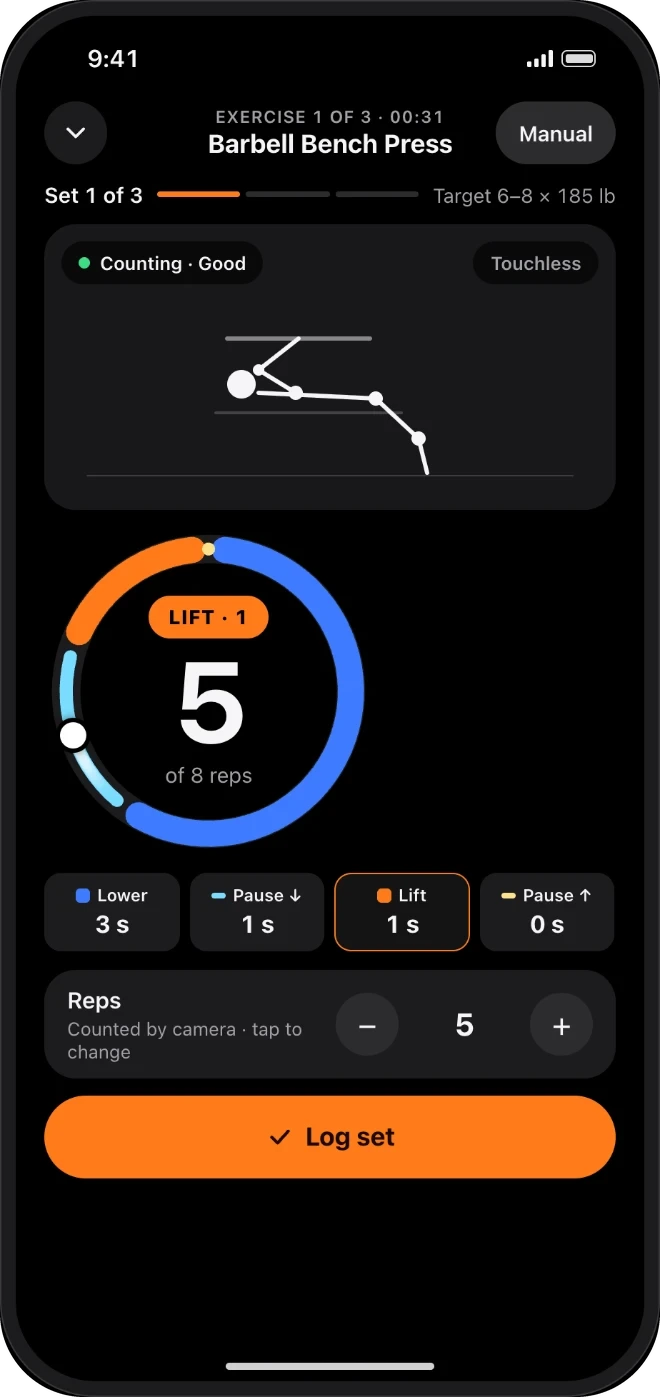
The camera counts reps on the iPhone. Frames are never recorded.
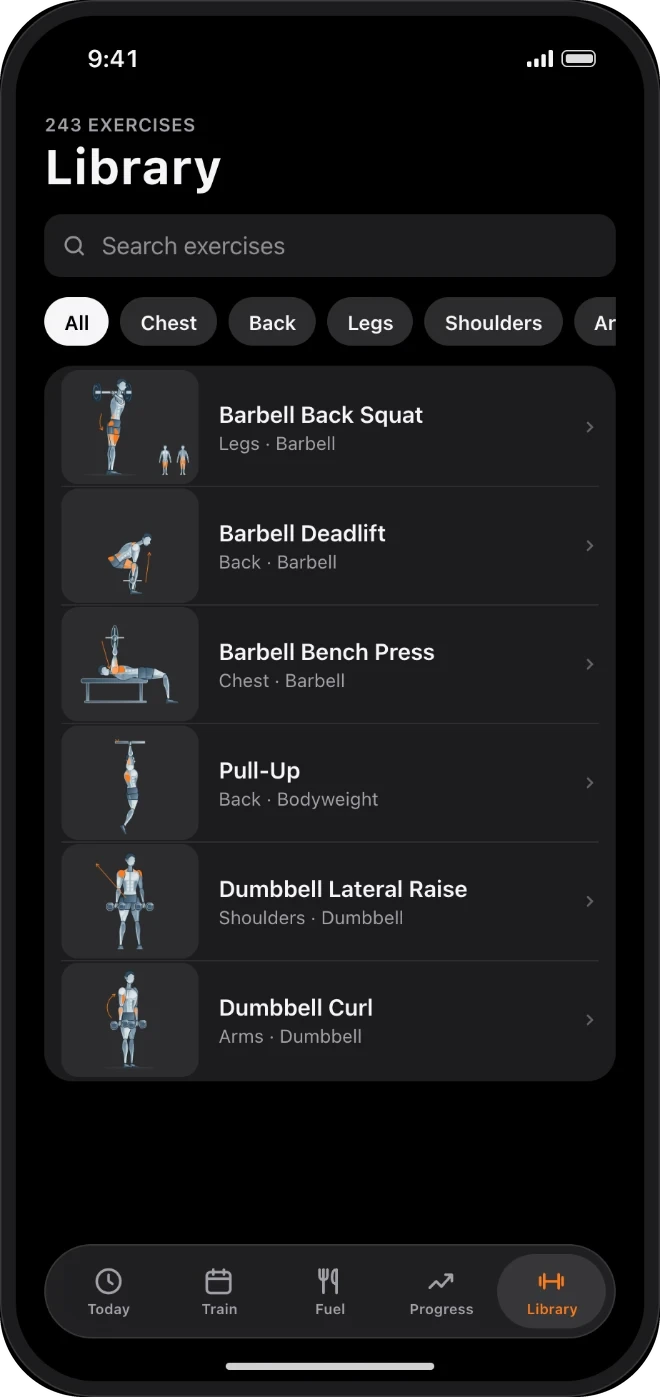
Exercise library
Browse exercises by muscle and equipment.
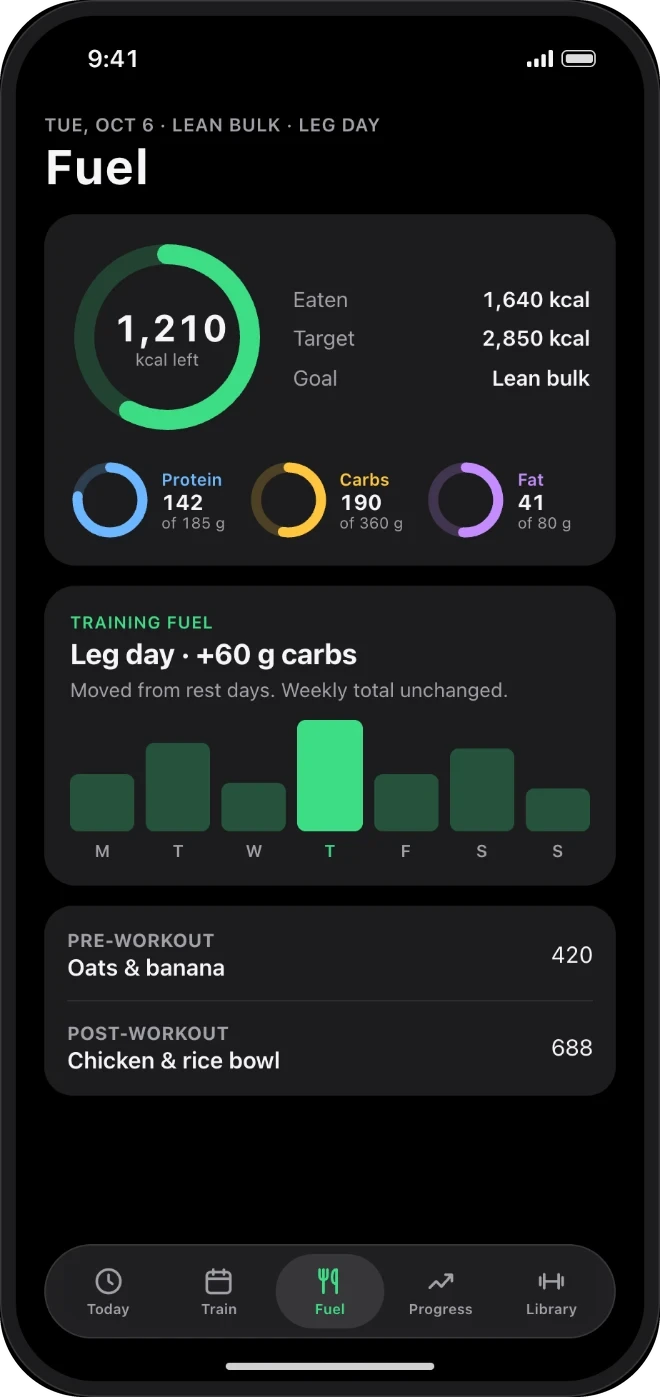
Food log
Log foods and review calories, protein, carbs and fat.
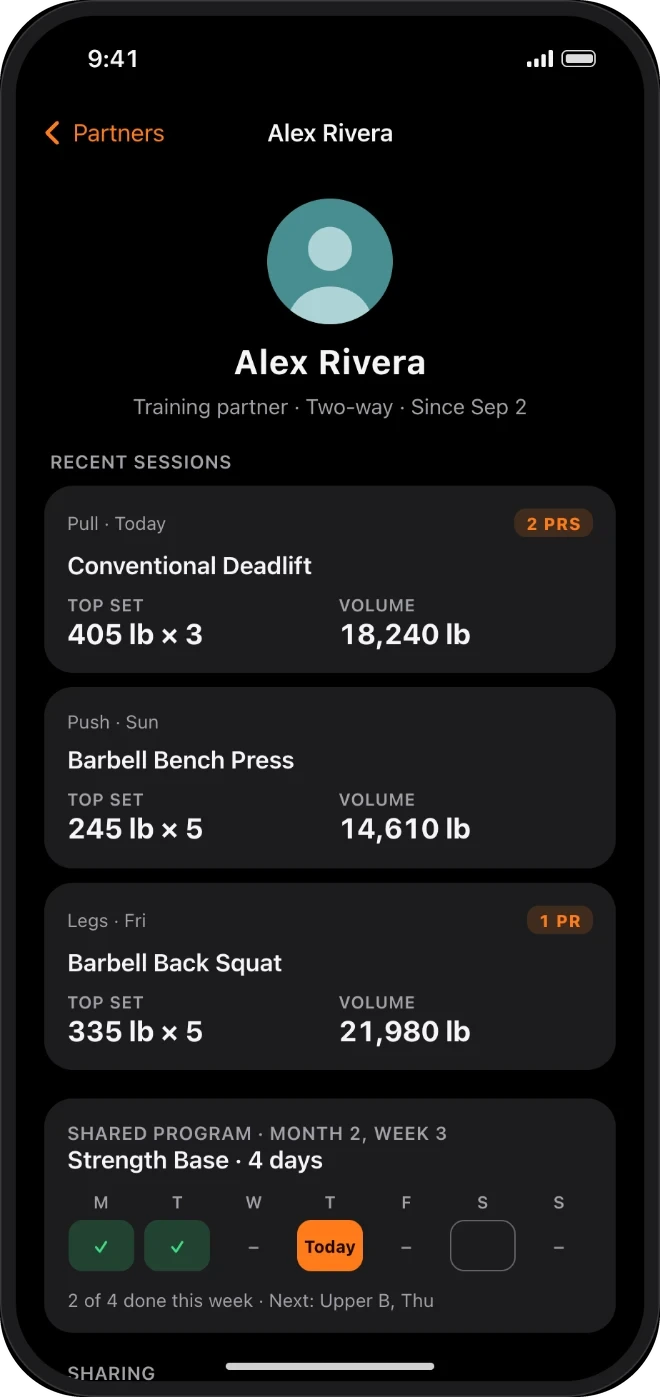
Training partners
Share workouts, PRs and programs through private iCloud sharing.
Questions? Support · [email protected]