 RepDial
 › Apple Watch
APPLE WATCH
Feel every phase.
RepDial on Apple Watch taps your wrist at each tempo phase, logs sets with the Digital Crown and keeps rest on your wrist.
Join the beta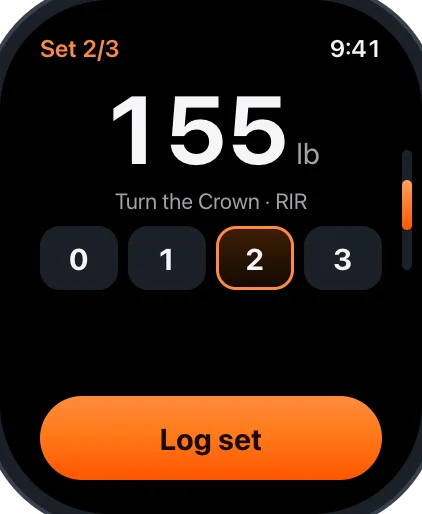
TEMPO HAPTICS
A tap at every phase
A stronger tap marks lower and lift and a lighter one marks the pauses. Skipped phases never tap.
CROWN ENTRY
Log weight and RIR with the Crown
- Turn the Crown to set the weight in 5 lb or 2.5 kg steps
- Choose reps in reserve from 0–5, or leave it unrecorded, then tap Log set
- Review weight and reps before confirming
QUICK WORKOUT
Start without a program
Choose Quick workout on Watch, then All exercises to search the library. Set up your exercises and log sets from your wrist.
REST & COMPLICATIONS
Rest on your wrist
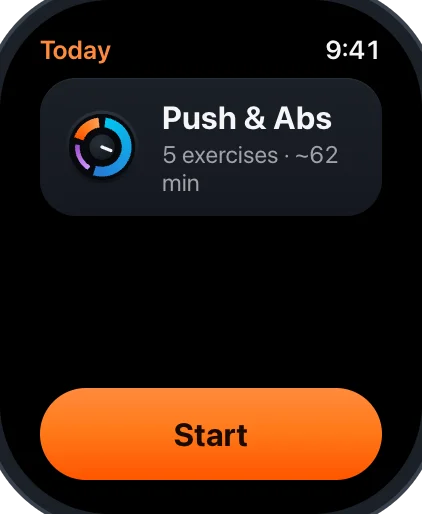
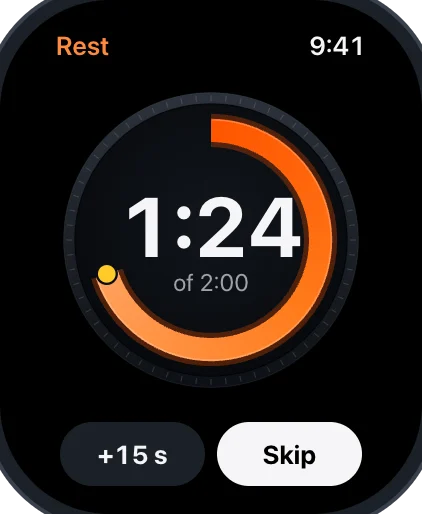
Follow the rest countdown, add 15 seconds or tap Skip. Complications show today’s workout, your Fuel numbers and, if you turn on readiness hints, a short readiness hint from your iPhone. It is training context only.
What you needApple Watch with watchOS 27, paired to an iPhone with iOS 27. iPhone also works on its own.