 RepDial
 › Your data
PRIVACY
Your data stays yours.
Workouts and Fuel logs are stored on your iPhone and, when sync is on, in your private iCloud. RepDial never sells your data, and your Health data is never used for advertising.
Join the beta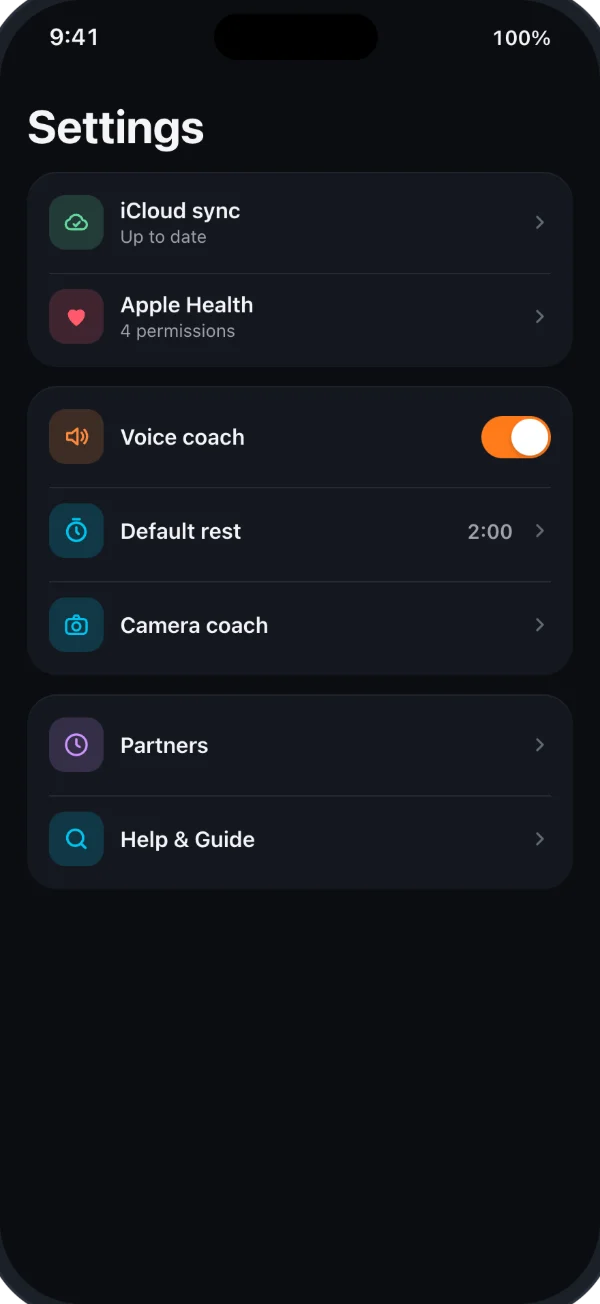
ON DEVICE
Processing on your iPhone
- Camera coach video is analyzed on the device and never saved
- Label scan and photo estimates run on the device
- Food search uses a database on the iPhone; online search and barcode lookups send only the words or barcode to USDA or Open Food Facts
- The coach report PDF is made on the device
ICLOUD
Synced with your private iCloud
When you enable iCloud sync, workouts, programs and Fuel sync through your own private iCloud account. RepDial runs no app servers and cannot access that private store. Bodyweight, measurements and Apple Health readings stay outside RepDial’s iCloud sync and partner sharing. Health readings can move between your paired iPhone and Apple Watch. Apple’s own device backups and Health sync are separate services controlled by your device settings.
APPLE HEALTH
Health data stays private
You choose what RepDial reads and writes in Apple Health. Health data is never sent to the RepDial developer, training partners, Crews or Lift Together, and never used for advertising. Both JSON and CSV exports can include body measurements and saved workout heart-rate records, so review them before sharing. Compare export contents.
YOUR CHOICES
Back up, share or delete
Are local backups the same as iCloud sync?
No. Automatic snapshots are kept on this iPhone, outside iCloud and device backups, and can include private body data. In Settings › Backup & iCloud › Backup & restore, preview a snapshot and restore missing records. Uninstalling removes local snapshots. Progress photos are excluded from snapshots, JSON and device backups. Save and check a separate photo ZIP before changing phones or removing RepDial. Read the recovery steps before reinstalling if your logs are missing.
What leaves my device when I use online features?
Online packaged-food searches send your search text to USDA; barcode lookups send the barcode to Open Food Facts or USDA. Those services receive your IP address. A recipe link downloads the page from the site you choose and any redirect destination. Optional cloud routine import sends extracted workout text to Apple’s Private Cloud Compute when Allow cloud processing is on; logs, Health data and photo pixels are not included. See the full policy for these services and their limits.
What can training partners see?
Only the workouts and sets, PRs and current program you choose for each invitation. Bodyweight, measurements, Health data, notes and progress photos are excluded. A small profile avatar is included only when you enable it. Change Sharing choices, Stop sharing or Leave partner from the person’s page in Training partners. Copies others already saved cannot be recalled. Crews and Lift Together have their own fields, described in the privacy policy.
How do I keep a copy or delete my data?
Settings › Privacy & data › Export my data prepares a ZIP; Share export lets you choose where it goes. Exports can contain local body, Health and nutrition data, so share them carefully. Delete all data removes local data and attempts to remove RepDial’s iCloud data and shares. Read which local, iCloud or Watch removals succeeded and retry any reported failure. Local removal does not confirm remote access ended. Copies you exported or others saved remain until their holders delete them. Follow the deletion steps. Apple Health records remain until you delete them in Health. Deleting data or uninstalling does not cancel a subscription. Read the support instructions.