 RepDial
 › Training
IPHONE · TRAINING
Four phases. Every rep.
The Tempo Dial coaches each rep through lower, pause, lift and pause, with voice and haptic cues to help you follow your selected tempo.
Join the beta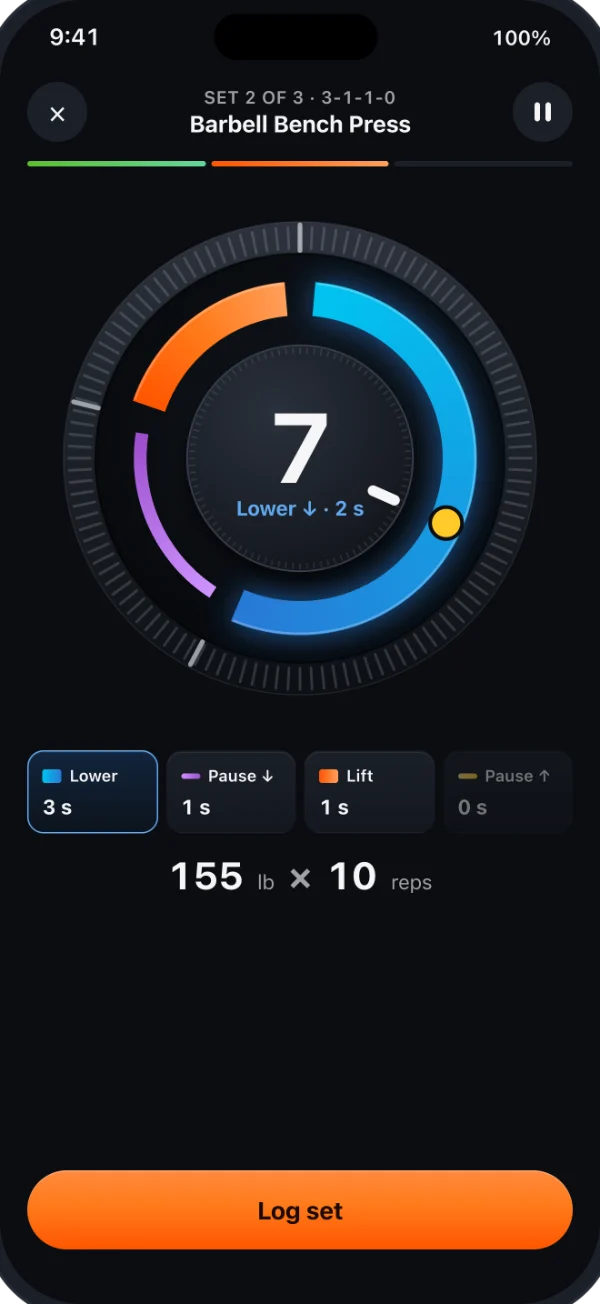
THE TEMPO DIAL
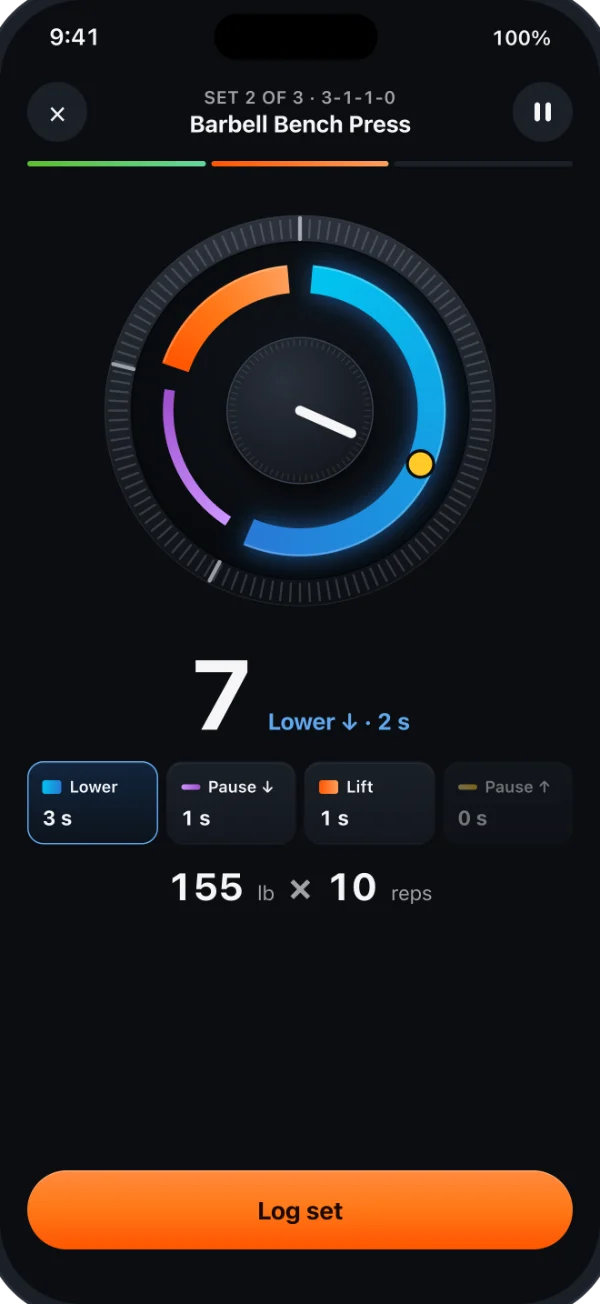
Thick arcs move. Thin arcs hold.
Tempo is written as four numbers, like 3-1-1-0. The dial draws each phase as an arc: thick for lower and lift, thin for the pauses. A phase set to 0 seconds is skipped.
CUES
Voice and haptics on every phase
- Voice counts each phase and the rep number
- Apple Watch taps at the start of every phase
- Works with the screen off and your phone on the bench
PROGRAMS & PROGRESSION
Programs that move with you
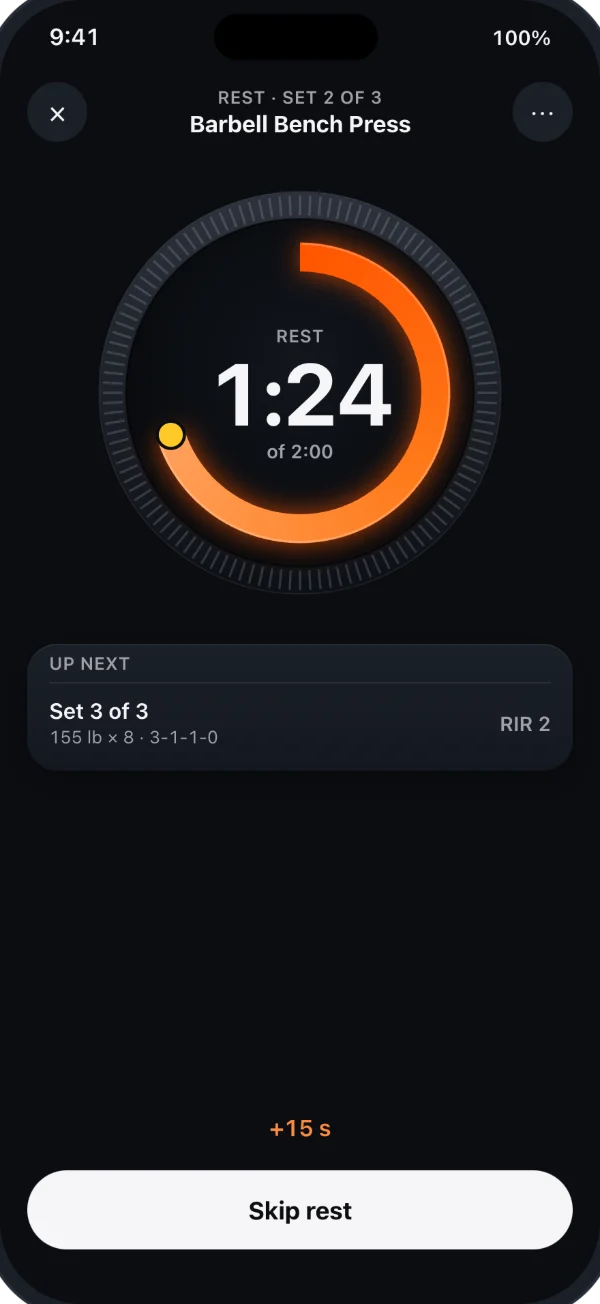
Pick a 12-week program or build your own. RepDial suggests the next load from your last sets and RIR (reps in reserve), and lets you review the suggestion before training.
- 12-week programs with deload weeks
- Review suggested loads and their reasons
- RIR on every set: 0, 1, 2 or 3+
LIBRARY
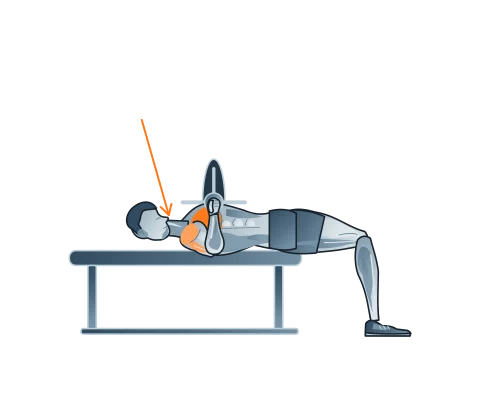
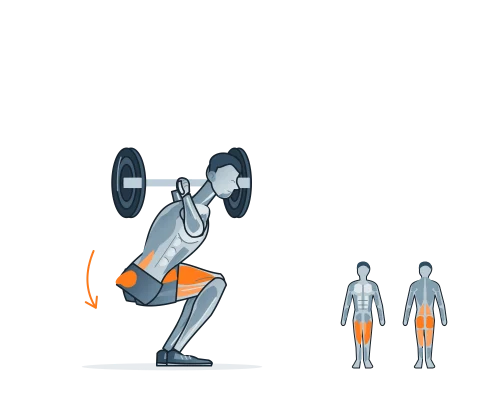
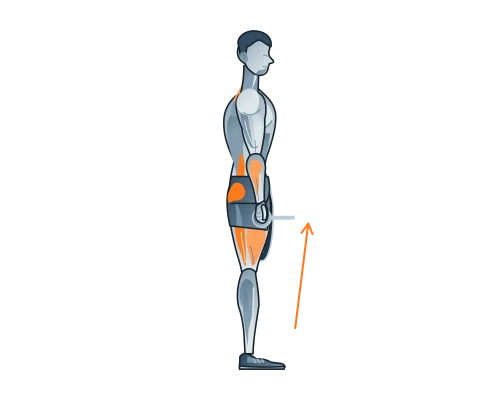
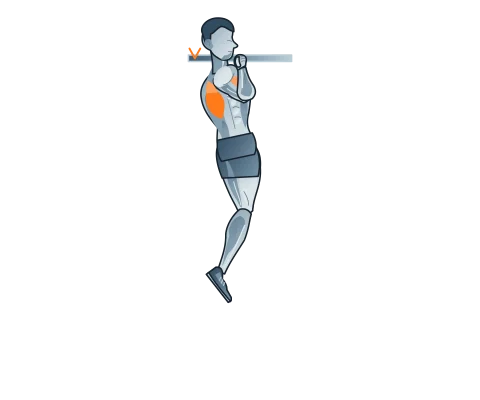
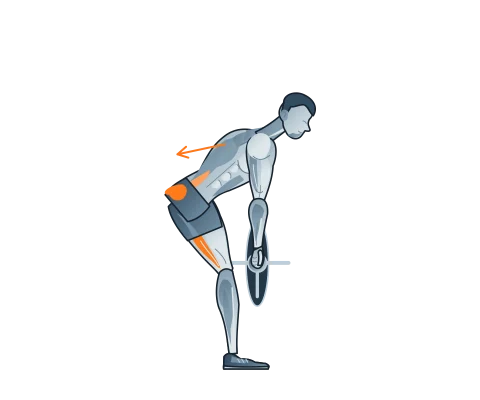
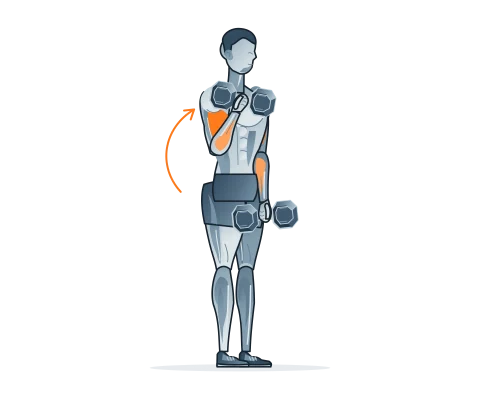
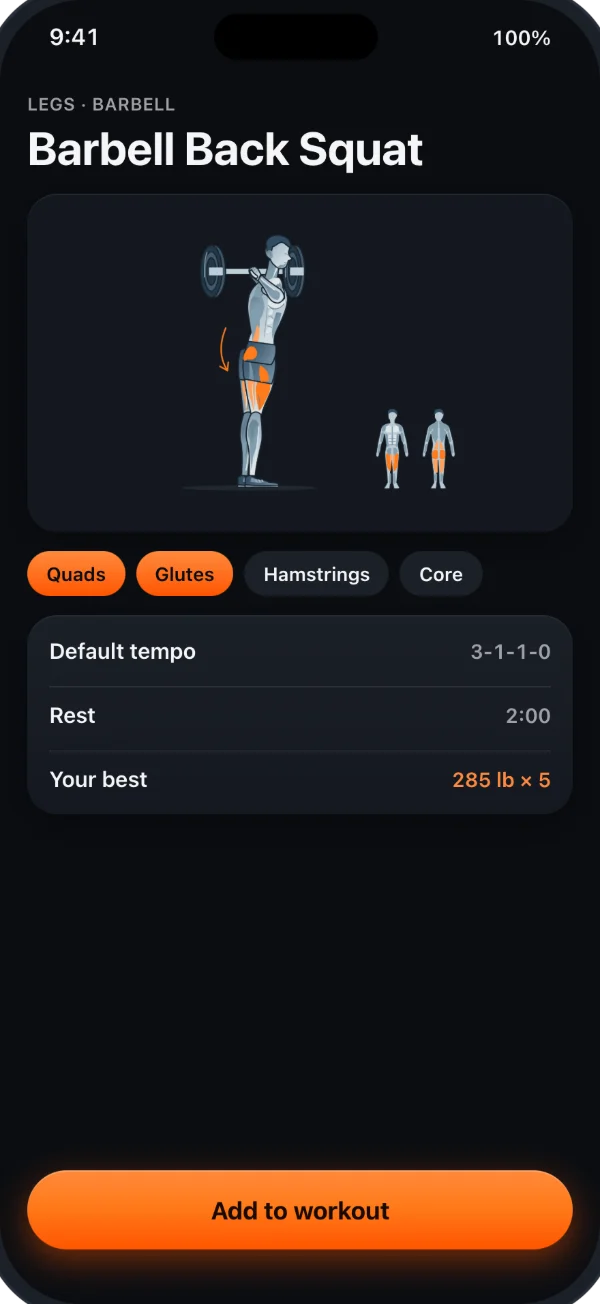
Browse exercises by muscle and equipment
Browse exercise instructions and illustrations. Start a quick workout without choosing a program.
HISTORY
Every set, saved
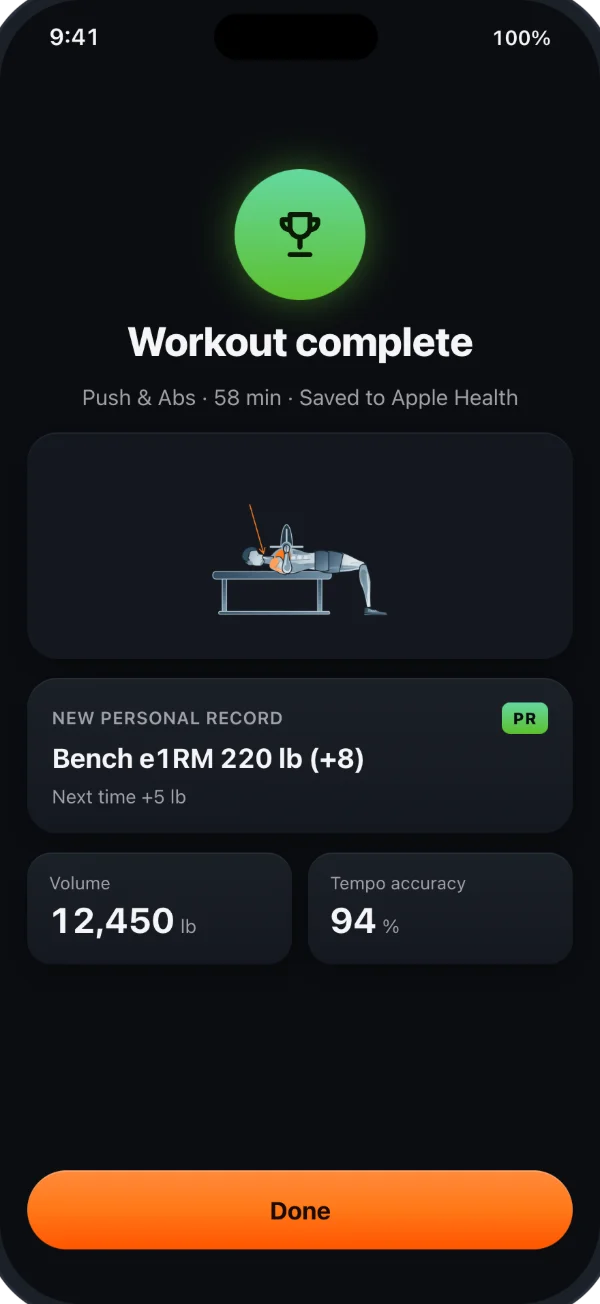
Each exercise keeps its full history: top sets, e1RM and tempo accuracy over time.
IPAD
Room to see the whole set
On iPad, RepDial uses the space you give it. Narrow windows keep the iPhone layout, so Split View and Stage Manager still work.
- The Tempo Dial and rep count grow for reading across the gym, with the numbers beside the dial in a wide window
- Today shows the week beside the day’s plan
- Library and Settings pair a list with a detail pane
- With a keyboard, Space starts or pauses the set, ⌘L logs it and the arrow keys move between sets. Hold ⌘ to see them all