 RepDial
 › Camera coach
IPHONE · BETA
Set the phone down. Lift.
Camera coach counts reps from your iPhone camera so you can train touchless. Video is processed on the device and never saved.
Join the beta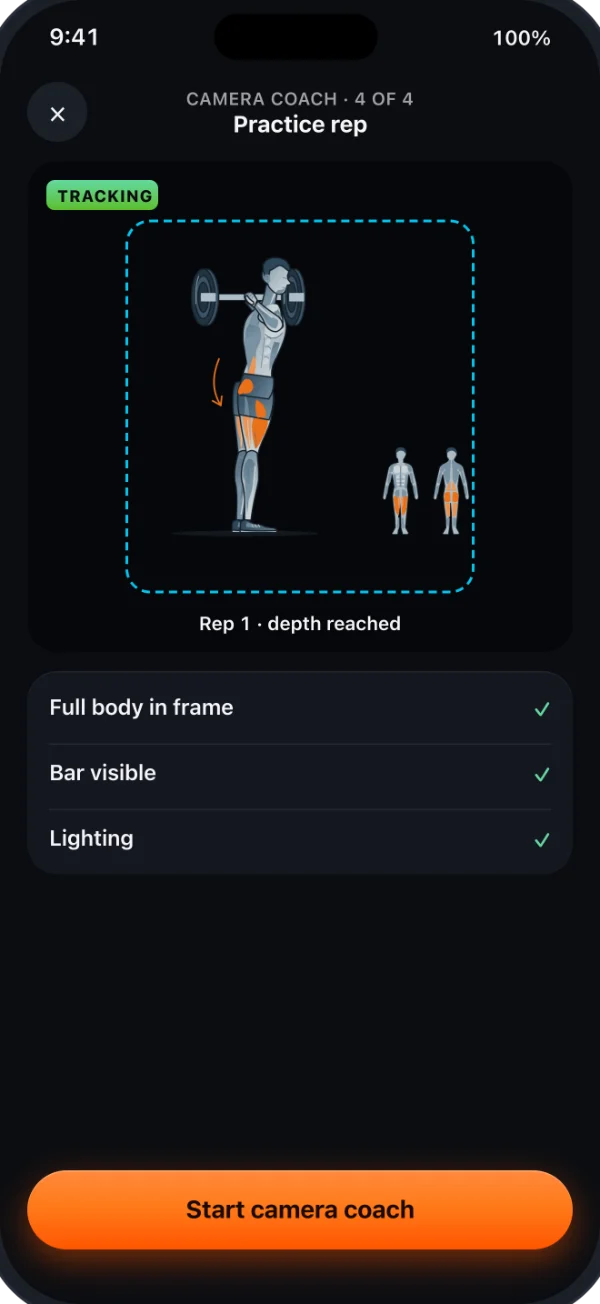
SETUP GUIDE
Four steps to a good frame
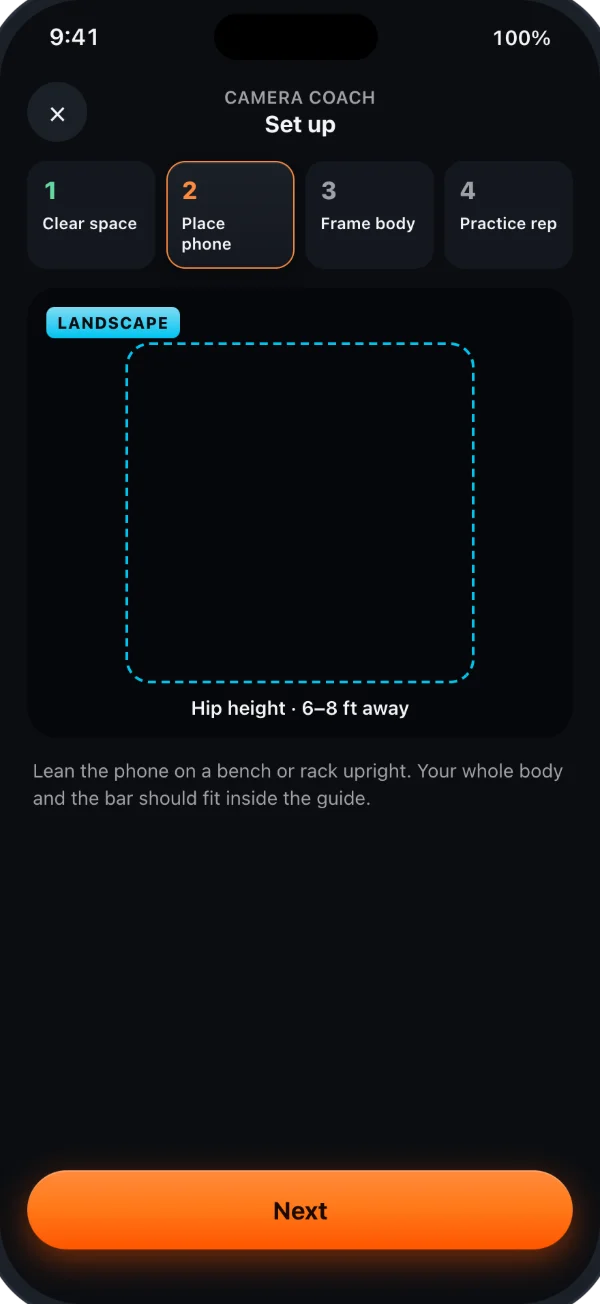
- Clear some space
- Place the phone at hip height, 6–8 ft away
- Frame your whole body and the bar
- Do one practice rep
REP COUNTING
Reps counted, tempo checked
Camera coach counts reps and times each phase against your tempo. Review the count when logging by hand. In Touchless mode, complete, agreeing camera and Watch measurements can log a reached target automatically; uncertain sets wait for your confirmation. Read the controls and correction steps.
PRIVACY
Video is never saved
Video frames are analyzed on your iPhone and discarded. Movement measurements can be saved locally with your logged sets and included in data exports; the video is never saved.
What you neediPhone with iOS 27 or later and a rear camera. Availability depends on your build and Pro access. If Settings has no Camera Coach or Camera Coach (beta) category, use ordinary workout logging. When available, open that category, then Camera coach › Setup guide.